miao AI coding agent
Your models. Your workflow.Less wasted context.
An open-source AI coding agent for developers who want to get real work done — and understand what it costs. Let it explore a repository, edit code, run commands and check its work, in your terminal.
miao focuses on the engineering around the model: context efficiency, durable sessions, collaboration, and control over long-running work.
macOS / Linux
curl -fsSL https://mtty.dev/miao/install | bashWindows (PowerShell)
irm https://mtty.dev/miao/install.ps1 | iexmacOS and Linux · Windows builds exist · MIT
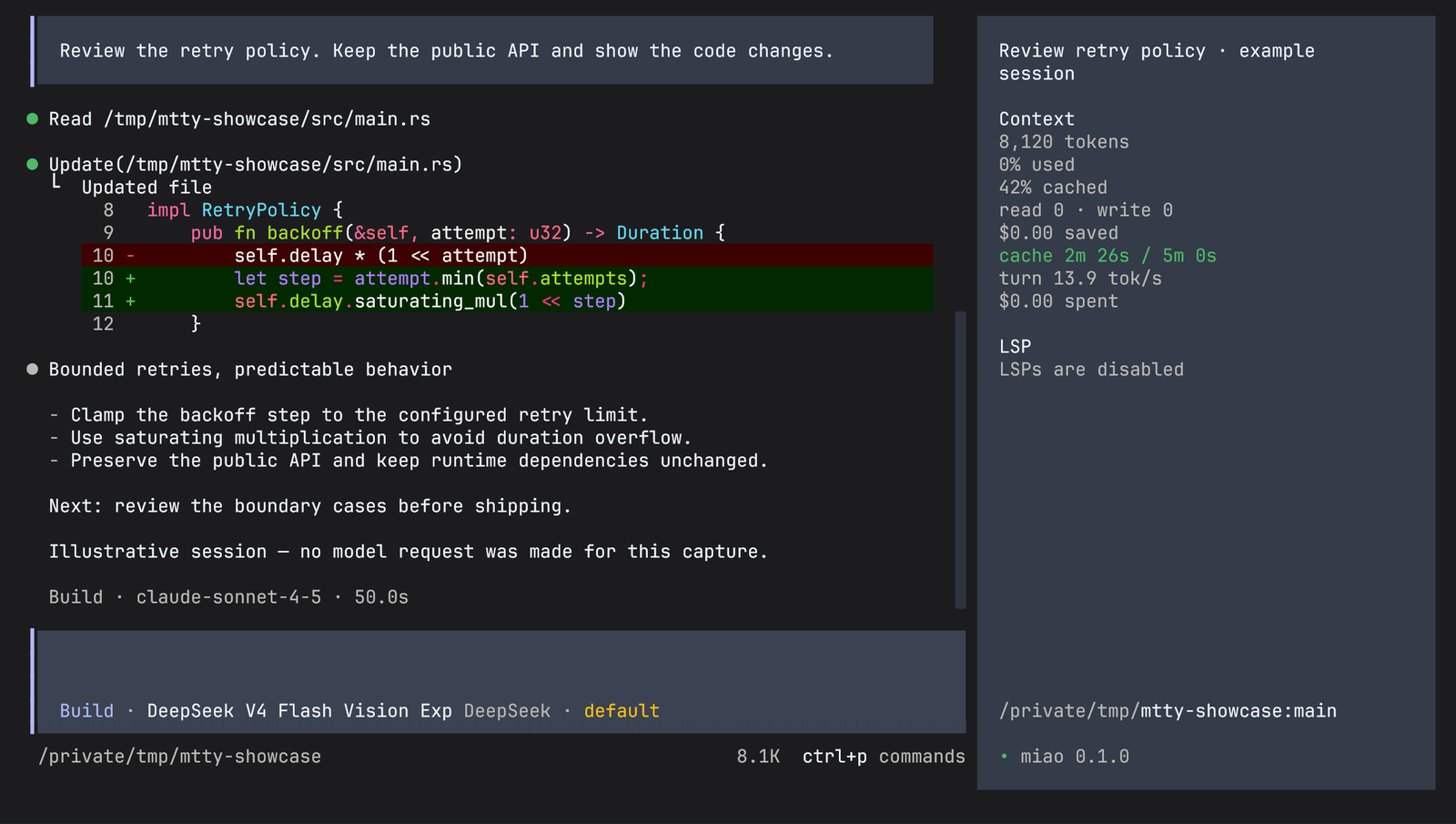
01 steer, don't restart
Add a requirement while it works.
A new input is saved before execution is scheduled, then brought into the conversation at the next safe provider-turn boundary. The current tool call is not interrupted, and nothing is lost if you type faster than it thinks.
Explicitly queued inputs wait until the work would otherwise go idle — and promoting any new input resets the agent's turn allowance.
- ›
Find the cause of this failing test, fix it, run the relevant checks, and explain the diff.
- ›
Preserve the public API and avoid new runtime dependencies.
steer · saved, folds in at the next turn boundary - ›
Then open a draft PR description.
queue · waits until the session would go idle
02 why miao
The engineering around the model.
- 01
Choose the model that fits the work
Several providers in one interface, model switching within a session, and specialist agents with their own models and permissions. Pick for reasoning quality, speed or price without rebuilding your workflow around one vendor.
- 02
Give collaboration its own context
Delegate a scoped task to a specialist subagent and continue that session later. With list_sessions and send_message, agents discover and message other sessions in the same project, subject to permissions.
- 03
See where tokens and money go
Per-turn usage, estimated cost, time to first token and prompt-cache telemetry. Context Epochs keep an immutable system-context baseline and admit changes chronologically, so cache prefixes stay reusable.
- 04
Keep a record you can continue
Durable prompt admission and an event-backed history. List, reopen, fork and export sessions. Large tool results are bounded in context, with the full output kept in a temporary file when available.
Cost estimates use configured model rates; your provider's bill remains authoritative. Durable history does not mean automatic recovery after a crash — unfinished provider work needs an explicit resume.
03 everyday engineering
What it does on a normal day.
| What you need | What miao provides |
|---|---|
| Understand an unfamiliar repository | File reading, search, project instructions, skills and specialist subagents |
| Implement and verify a change | File edits and patches, shell commands, optional LSP diagnostics and formatting |
| Compare models without changing tools | In-session model selection, provider configuration, per-agent models and reasoning variants where supported |
| Work through a larger task | Todos, mid-task input, durable sessions and an opt-in autonomous continuation loop |
| Connect your own tools | Local and remote MCP servers, custom commands, skills and plugins |
| Review and reuse work | Diffs, session forks, history export and permission prompts |
| Integrate with another application | HTTP server, browser UI, CLI automation, and generated clients in the workspace |
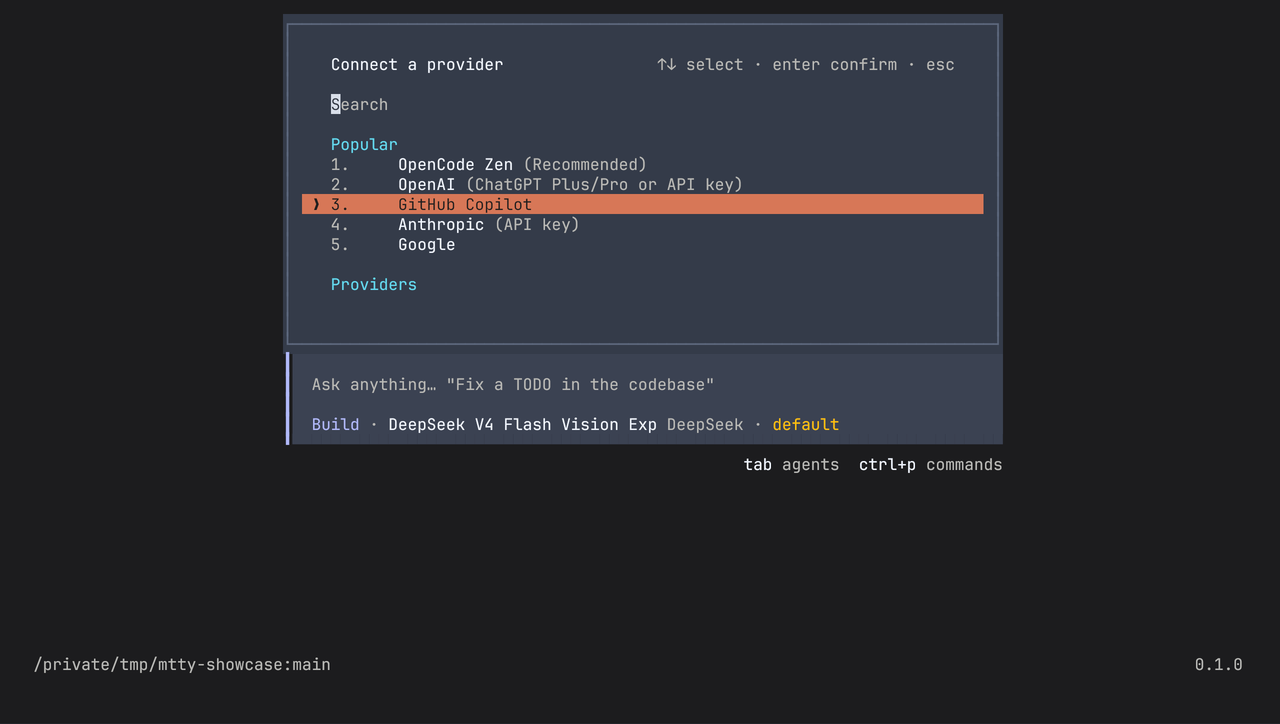
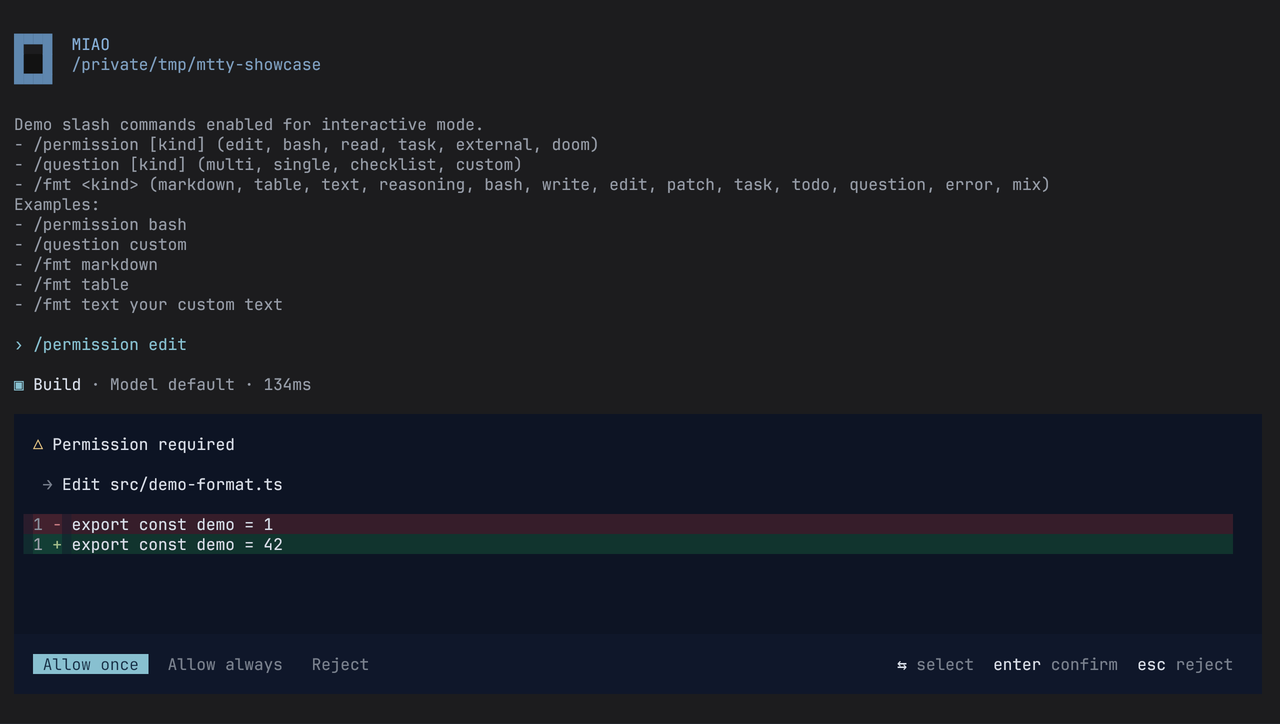
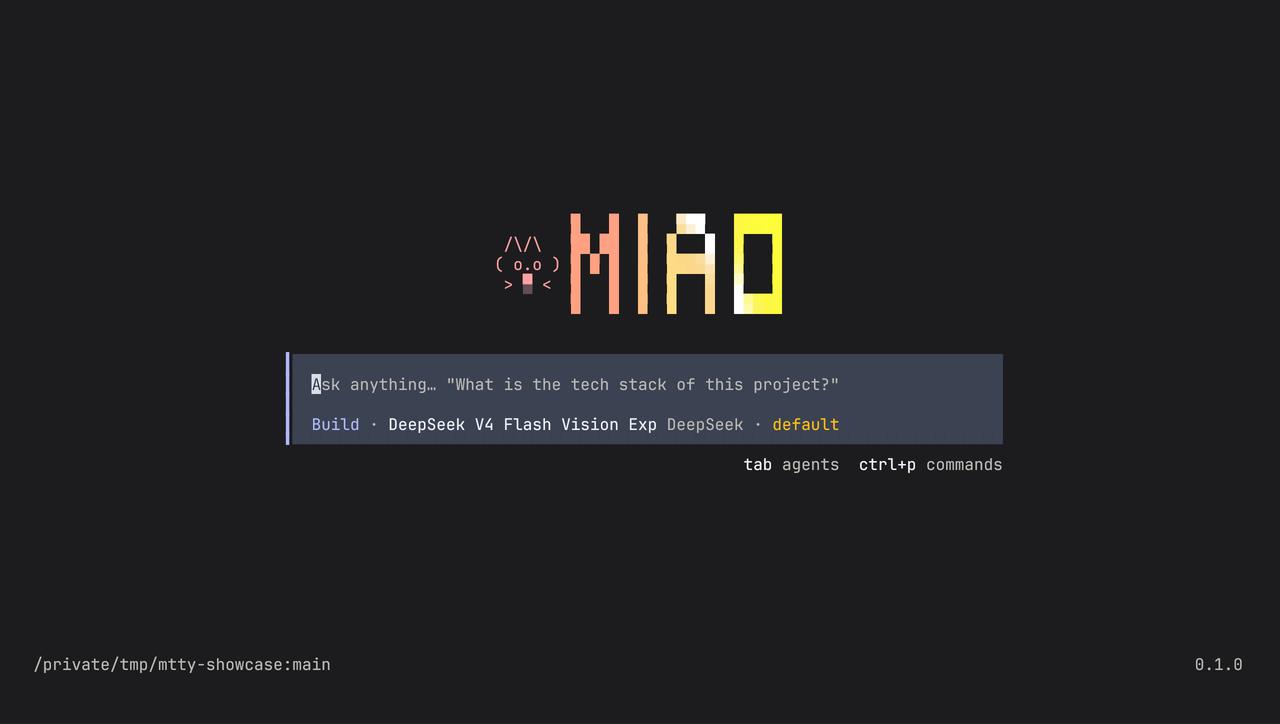
04 the app
The agent, running in a terminal you already use.


05 longer tasks, with limits
Let it keep going, inside a budget.
The autonomous loop is opt-in. It continues while todos remain open, guarded by an iteration cap and stall detection. A cost budget stops scheduling further provider turns once the estimated session cost reaches the threshold.
The budget is not a hard cap on a provider bill or on a turn already in flight. Put this in .miao/miao.jsonc for one project, or ~/.config/miao/miao.jsonc for all of them.
// .miao/miao.jsonc
{
  "loop": { "enabled": true, "max_iterations": 25 },
  "cost": { "budget_usd": 5 },
  "compaction": { "prune": true },
}
06 measured
Rust where the CPU work is.
miao includes Rust accelerators, benchmarked against this repository's earlier TypeScript implementation. Recorded on one machine, release builds, medians.
Edit fuzzy match, 12k lines1.9×
Patch Unicode normalization, 20k lines2.5×
Git status, 10 files12.3×
Component benchmarks — not end-to-end task speedups, and not a comparison with any current upstream release. Native edit and patch belong to the compatibility tool path; in-process Git is a prototype and not the default.
07 status
Pre-1.0, and specific about it.
| Capability | Availability |
|---|---|
| Durable sessions, prompt admission, Context Epochs, project-local session messaging | Implemented |
| Autonomous continuation, cost budgets, pruning and compaction tuning | Opt-in |
| Code Mode | Experimental |
| Native edit/patch and the kernel sandbox | Compatibility runtime |
| Generated clients and the embedded host | Evolving API |
08 quick start
Three commands to a first session.
$ curl -fsSL https://mtty.dev/miao/install | bash        # macOS / Linux
PS> irm https://mtty.dev/miao/install.ps1 | iex        # Windows
$ miao providers login   # choose a provider, connect an account or API key
$ cd /path/to/project
$ miao                   # start the terminal UI

# one-shot, without the TUI
$ miao run "Explain this repository's architecture"
$ miao web               # the browser interface
$ miao upgrade           # update the release binary
Inside the TUI, ctrl+p opens the command palette and ctrl+x m picks a model. miao models lists what is available.